Why Hybrid Offices Need More Flexible Workspace Solutions in 2026


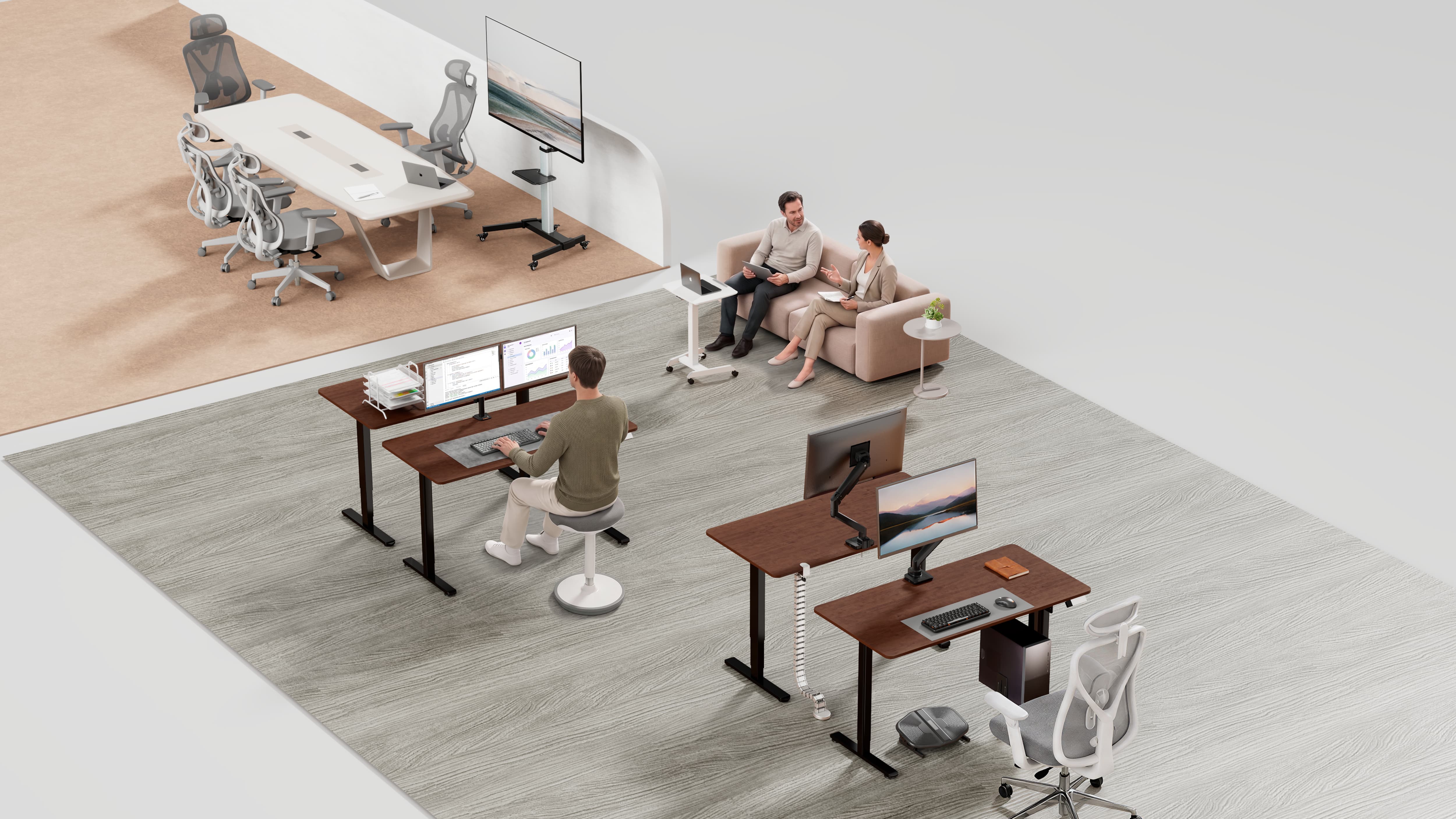
Table of Contents
• Why Workspace Flexibility Has Become a Modern Office Challenge
• The Problem with Traditional Desk Setups
• Why It Matters to Have Flexible Workstations
• How Monitor Arms Improve Workspace Flexibility
• How the Standing Desk Makes Flexible Work Possible
• The Growing Importance of Office Accessories for Workplace
• What Businesses Should Consider When Choosing Flexible Workspace Solutions
Under the hybrid working model, the modern offices are facing various new challenges associated with workspace management. There is an increase in the product digitalization that demands more space for dual monitors, laptops, docking stations, papers, etc. The way people work nowadays is different from how they used to work thus resulting in diverse ergonomic needs. In addition, when using shared desks it is usually difficult to prepare these desks. All of that means that the clutter is created, the time for setups becomes longer, and productivity suffers. Offices were designed based on static desks, whereas modern-day working conditions are more dynamic.
Why Workspace Flexibility Has Become a Modern Office Challenge
Hybrid workspaces are more than just standard offices with fewer employees. They function in a different fashion as workers go to the office for varied purposes depending on the day. All this has led to the need for rethinking what demands companies have from their offices.
1. More Devices Are Competing for Desk Space
In modern times, the work of offices has become highly reliant on technology. For example, a workplace can consist of a computer, a couple of external monitors, a mouse, a keyboard, a docking station, a package of papers, personal items, and several chargers.
Consequently, a workplace can turn into a mess, with all sorts of problems such as monitor stands taking too much space on the desk, wires creating a problem, and not very convenient location for the laptop display, making employees spend more time adjusting their workplaces.
2. Office Space Is Under More Pressure
Many companies are reassessing their requirements for office space and the way in which they will utilize it. The days of one desk per employee are gone, with many offices now offering shared desk areas, hot-desking zones, meeting rooms, quiet work areas, collaboration spaces and temporary project zones.
This adds more load on each workstation desk should help one person in many different ways. It should be able to support different users, different tasks and different devices without a full office redesign. Flexible workspace solutions are a great way for companies to make the most of the space they have. This allows teams to increase workstation productivity without swapping out desks or expanding the office.
3. The Evolution of Workstyles Is Outpacing the Evolution of Office Designs
Office furniture tends to be designed for several years into the future while working habits can change much more rapidly.
Changes that companies may need to accommodate include:
• Increased use of video conferencing
• Increased number of workers with dual screens
• More employees working in a hot-desk environment
• Greater use of laptops
• Necessity for shared equipment
• Adaptation of flexible team arrangements
If the workplace is unable to keep up with the changes, office management will become even more complicated.
This is why hybrid working arrangements have to include not only the policies and layouts of the workplace but also the solutions for designing flexible workstation products which are adjustable and practical.
The Problem with Traditional Desk Setups
Conventional office setups have been built with the view of adhering. The conventional way was simple: many workers have their own desks that have monitors facing each person. However, this model does not fit the reality that many contemporary offices function in.
| Conventional Office Setup | Contemporary hybrid Office Setup |
| One worker-one desk | One workstation, multiple users |
| One fixed monitor position | Users need different screen heights and angles |
| One stable work routine | Tasks change throughout the day |
| One standard layout | Teams need more flexible configurations |
Stable desk works well for one person, but might not fit another. Monitor could be too low, too far from the person and there might be limited room for the laptop and other monitor on the desk. It seems like small things, but they are impacting efficiency during work.
Conventional configurations also create obstacles for accommodating different types of work. A workstation could support highly concentrated work activities in the morning, conduct video meetings in the middle of the day, and host team meetings in the evening. A non-flexible design cannot work well under such variety.
That is why companies are switching from the idea of a fixed desk to the concept of flexible workstation design.
Why It Matters to Have Flexible Workstations
A flexible workstation allows for maximum adaptability. With it, users can determine their screen placement as well as the height of the desk, positioning of the laptop, tucking in the cables, and deciding the best kind of work stance to adopt. In hybrid offices, having this flexibility not only means comfort, but also significantly enhances usability of common areas.
1. They Support Different Users
In a hybrid office, many employees will be using the same workstation at different times. Different staff members (who differ in height, job specification, equipment, work habits, monitors choice, and physical dispositions) will be able to configure a comfortable workstation according to their specific requirements.
2. They Support Different Tasks
The nature of work allows for a diverse set of activities performed by the same worker. As employees can be engaged in writing, meetings, design reviews, data analyses, customer support, or team meetings, workstation configuration must account for that diversity.
Different activities make different workstation requirements.
• Focused work needs a stable screen and clean desk.
• Video meetings need a laptop or camera that can be placed at an optimal height.
• Data analyses often benefit from dual monitors or large screen area.
• Collaboration implies the scheme that can quickly adapt to changing needs.
• Office furnishing that enables the creation of flexible working places allows for real-life working behaviors instead of forcing all activities into the same arrangement.
3. They Support Growing Teams
Furthermore, the flexible and modular office workspaces are easier to implement in larger companies. For instance, the company does not have to buy new office furniture all at once. The company can upgrade the office gradually, choosing pieces such as monitor arms, sit/stand desks, laptop supports, and so on. Thus, flexibility is beneficial for both big companies and smaller teams.
How Monitor Arms Improve Workspace Flexibility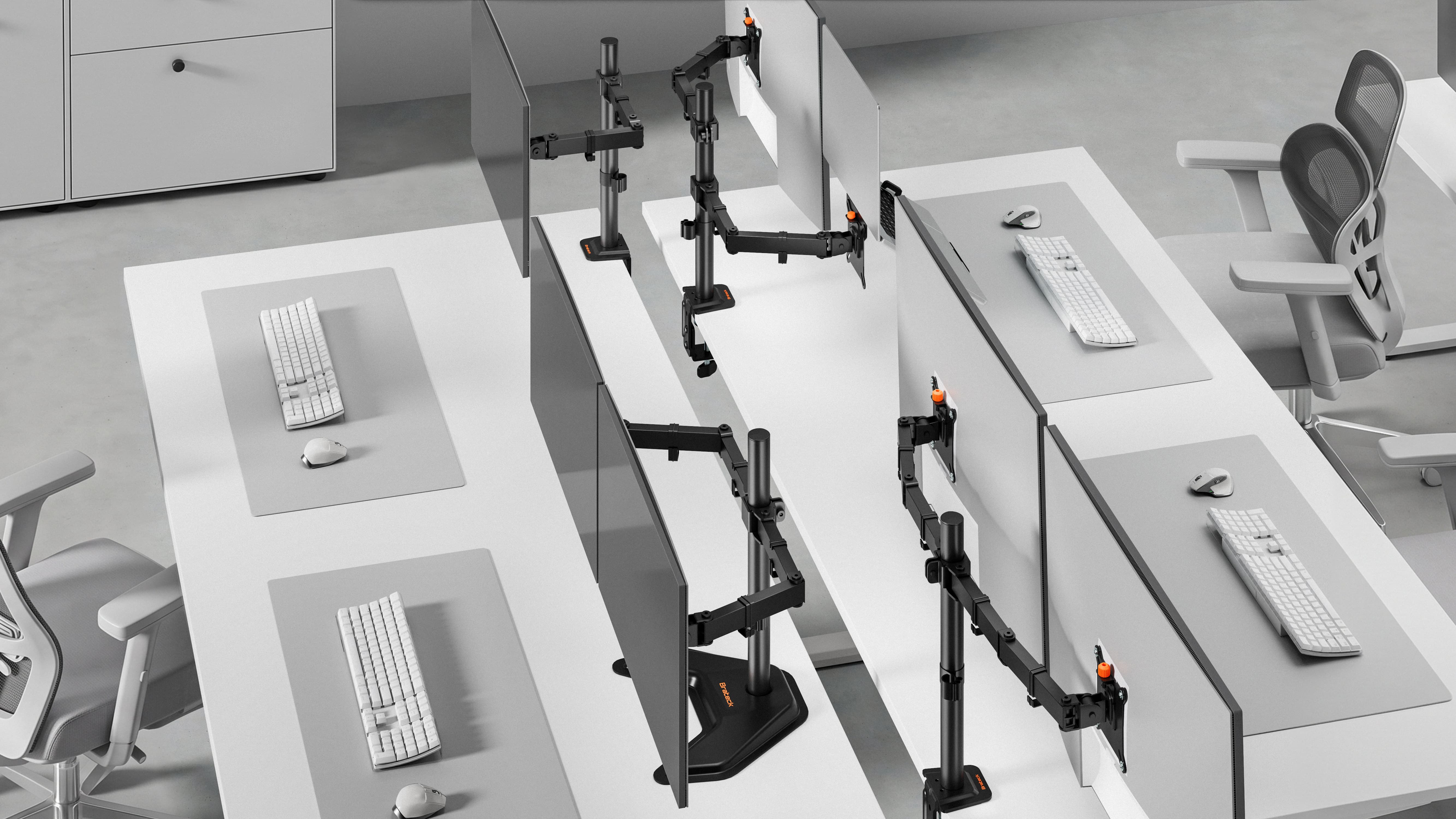
Monitor arms have become essential for hybrid working spaces, resolving many issues at once. Hybrid offices mean that multiple workers can use the same workstation during the week, and with a monitor arm, every worker can easily reposition it the way they find convenient.
Some of the benefits are:
• The screen can be moved with ease in terms of height, depth and angle.
• The workspace becomes maximized since the monitors don’t take up the surface space.
• They allow for better functioning of hot-desking and shared workstations
• They make multitasking easier (two monitors).
Hybrid offices are using monitor arms for their flexibility since they improve comfort and space usage without needing to change the office furniture.
How the Standing Desk Makes Flexible Work Possible
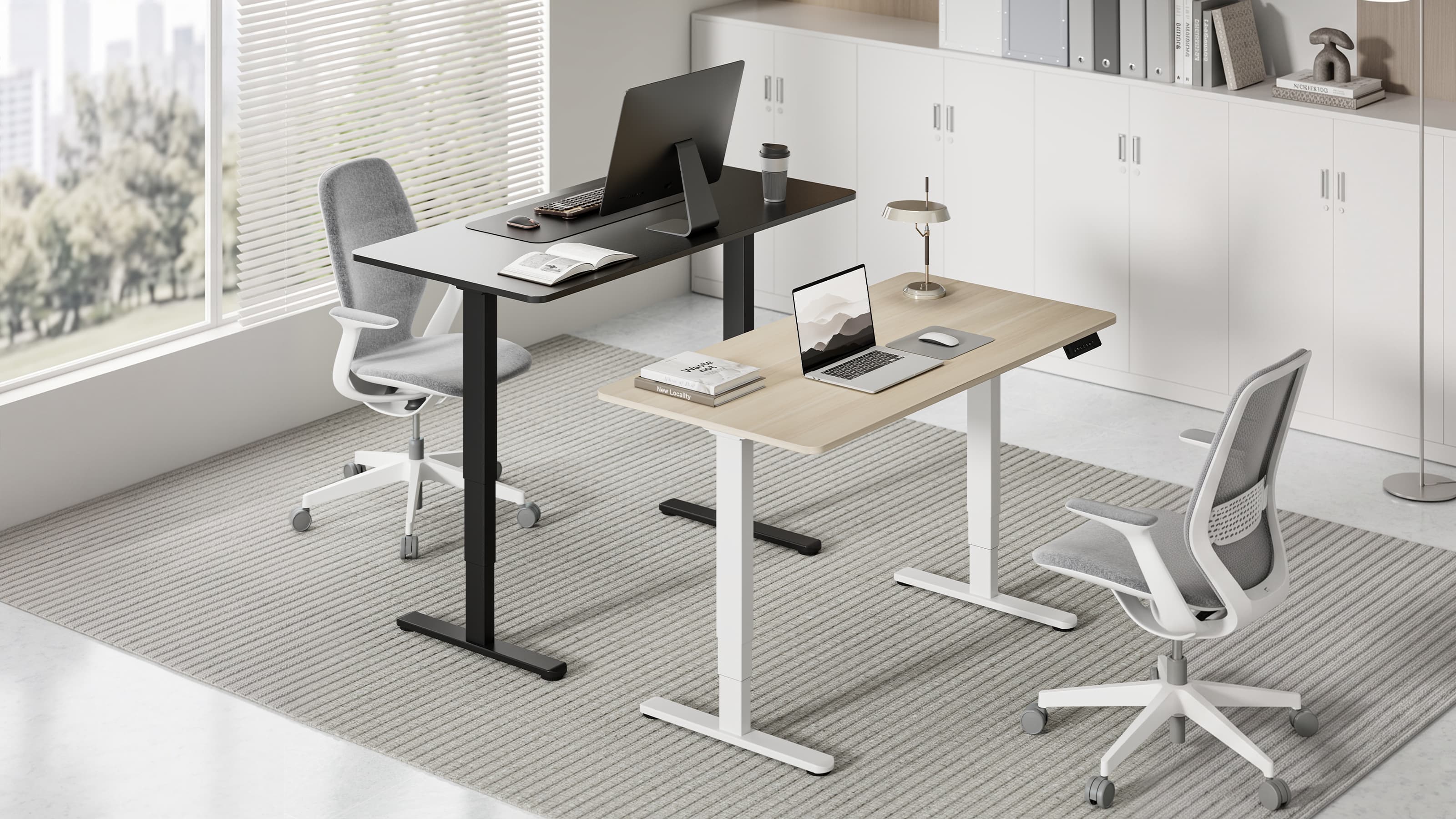
Standing desks have long been recognized as ergonomic aids, but they provide much more than comfort.
| Hybrid Office Challenges | How Standing Desk Addresses these Issues |
| Different user heights | The desk can be adjusted for each person |
| Long work sessions | Users can switch positions between sitting and standing |
| Shared work areas | Each user can set their ideal desk height |
The workdays in hybrid offices can be hectic. Employees can have meetings, focused work, video calls, and teamwork all in the same day, therefore having a desk that allows movement can help employees feel less stiff in their workplaces. Thus, production companies can benefit greatly from standing desks while creating workstations supporting more people working in more ways than ever.
The Growing Importance of Office Accessories for Workplace
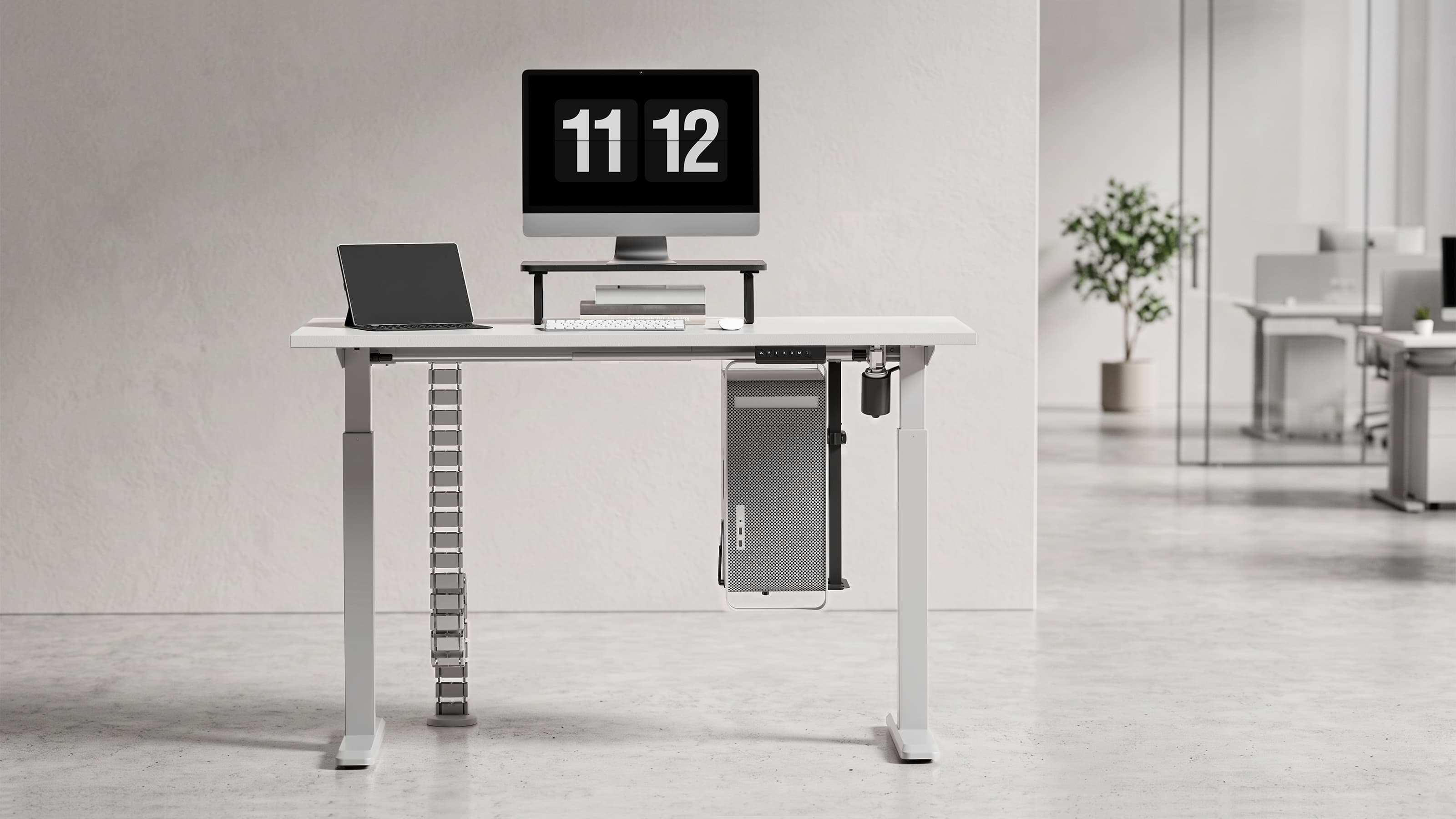
Office spaces do not exist only for the purpose of providing desks. Rather, it is the tiny bits and pieces that often decide whether the workstation is tidy, productive, and simple to use.
Some examples of essential items of equipment are:
• Laptop stands: Helping computers to improve their integration into workstations.
• Cable management: Ensuring that wires, chargers, and electrical cords are in order.
• CPU holders: Lifting the equipment from the working table and freeing some space.
• Desk organizers: Replacing the work tools in established places.
• Mobile workstation accessories: Providing flexible offices, meeting, or training rooms, as well as workspaces.
As a result, these items transform the work area into a space that is much easier to share, maintain, and adapt.
What Businesses Should Consider When Choosing Flexible Workspace Solutions
When it comes to choosing flexible workspace products, it is best to start by asking some practical questions: Will they work well with the current office setup? Will they allow employees to make adjustments themselves? Will they still be relevant in the future?
Although appearance is important, functionality and long-term value have to be taken into account, too.
| Factor | What to Consider |
| Scalability | Can the solution be rolled out across different teams, or locations? |
| Compatibility | Will it integrate with the existing desks and workstations? |
| Installation | Will the facility/IT teams be able to set it up? |
| Adaptability | Will it accommodate different users, devices, and ways of working? |
| Durability | Will it withstand regular use in a shared working environment? |
| Future planning | Will it remain useful as the workplace changes? |
It is essential to bear in mind the whole workstation. Separate products are more useful when they complement one another.
Creating Work Spaces for the Modern Workforce
The concept of hybrid work has transformed the functionality of the office as a place for teamwork, equipment sharing, and concentrated work. To cater to all types of users, devices, and working modes of their employees, companies require adaptable work stations that are adjustable, deployable, and shareable. Examples of solutions include monitor arms, desks of different height and other types of office accessories, which allow to organize modern workplaces that are cleaner and more flexible than ever. Explore Brateck’s flexible workspace solutions to build cleaner, more adaptable hybrid offices.